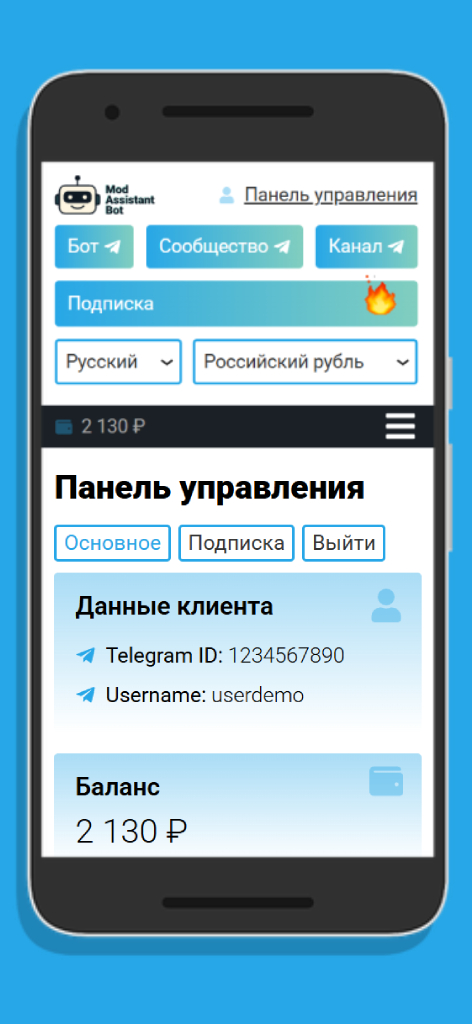
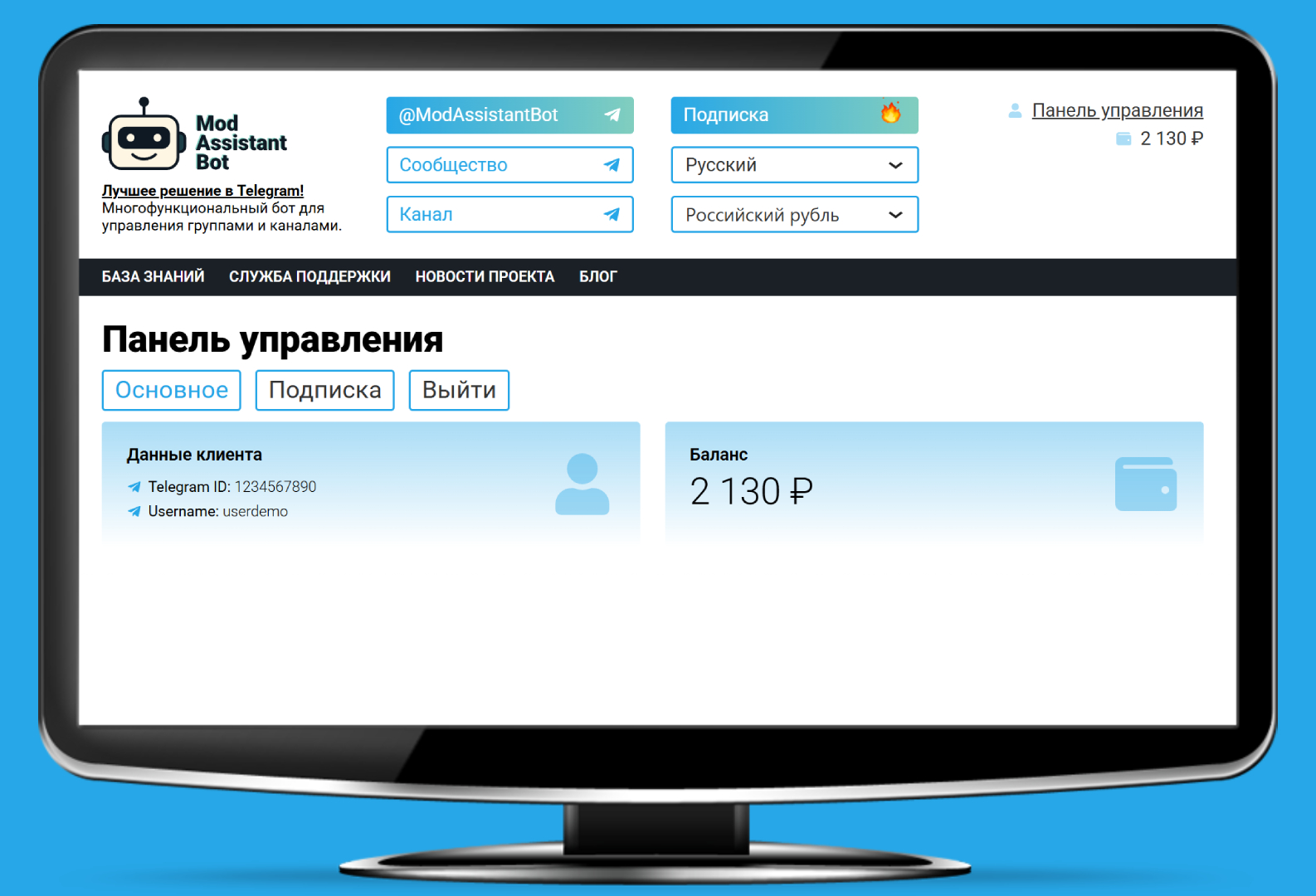
PWA Application

On this page, you will learn how to install our PWA application on different devices using a web browser.

What is a PWA application?

It is a modern web application that can be installed on a device like a regular app.

Browsers for PWA

Recommended browsers that support installing PWA applications

Android

iOS

Desktop

How to install a PWA application?

1. Open the website: https://mod-assistant-bot.com/ using the Chrome browser or another recommended browser;

2. Click the «Install PWA» button at the very bottom of the page and confirm the installation.

Apple limitation: installation is only possible via Safari.

1. Open the website: https://mod-assistant-bot.com/ using the Safari browser;

2. Tap the «Share» button;

3. Select «Add to Home Screen».

Advantages of our PWA application

Unlike a regular website, a PWA:
Easy installation
Just 1–2 clicks — no stores, no registration.
Минимальный размер
10–100 times smaller than regular apps.
Fast performance
Instant loading, optimized for all devices.
Security
Works over HTTPS, fully protected.
Offline operation
Some features are available without the internet.
No updates required
Updates automatically in the background when new versions are released.

Frequently Asked Questions

Refresh the page and check if your browser supports installation. Use Chrome or Safari (on iOS).
No, this is not a native app. Installation happens directly through the browser.
It stays on your device until you manually delete it, just like a regular app.

After installation, the app icon will appear:

📱 On the phone’s home screen (like a regular app)

💻 In the «Start» menu or «Programs» (on a computer)

Install our PWA app

Install
×